


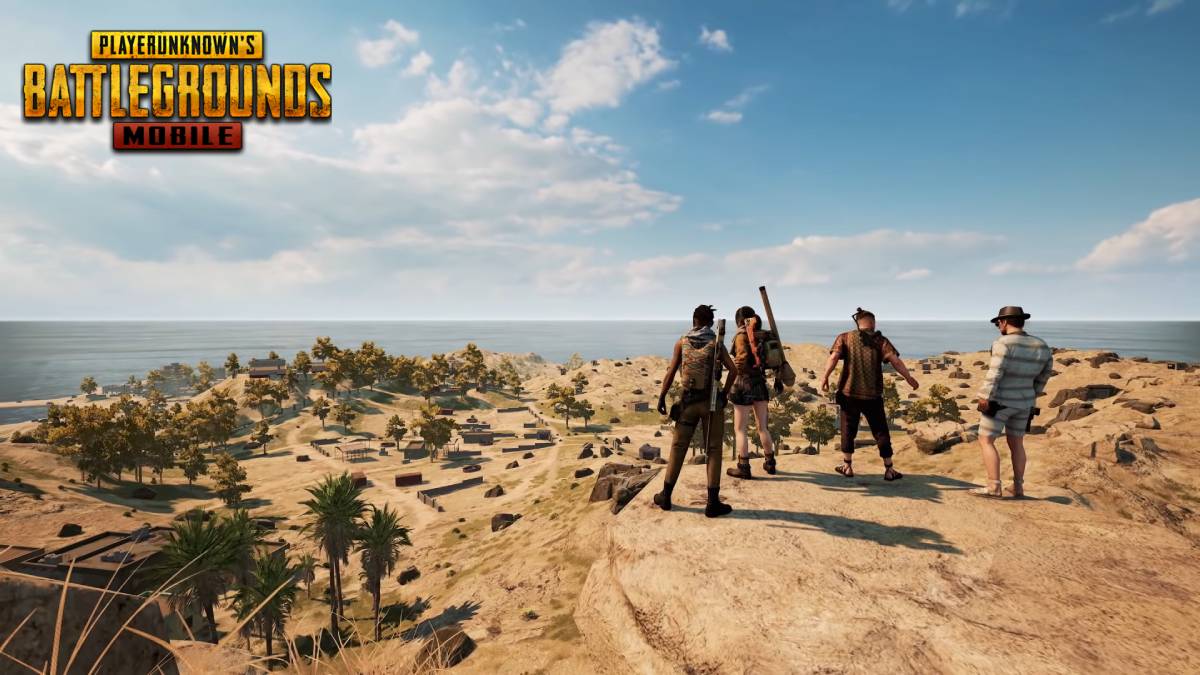

PUBG Mobile 1.3 Beta version is out now and has brought plenty of content to the table. Among all the new features, the Karakin map is one of the most exciting and greatest additions of the latest update.
For unaware, Karakin was released into the PC version of PUBG in February 2020. After a year of its success, the map is finally making its way to the portable version of Player’s Unknown Battlegrounds. The map size is around 2X2 Kilometers, and unlike other classic maps, it only supports a maximum of 64 players.
As of now, Karakin is only available in the beta version and will soon be released into the PUBG Mobile Global version. Here’s how to play the new map ahead of its global release.
How to play Karakin Map in PUBG Mobile?
- Download the PUBG Mobile 1.3 Beta version from here.
- Login to the Guest account once you install it.
- Navigate to the Map selection menu.
- Select Karakin from the list.
- Hit the Start button to begin the matchmaking.
Apart from this, players can also try out various other new features, including a new firearm, the Panzerfaust, Motor Glider vehicle, Sticky Bomb, and more. Read the complete patch notes of the update here.
Related: PUBG Mobile 1.3 Beta Invitation Code: All you need to know









Published: Feb 8, 2021 06:46 am