


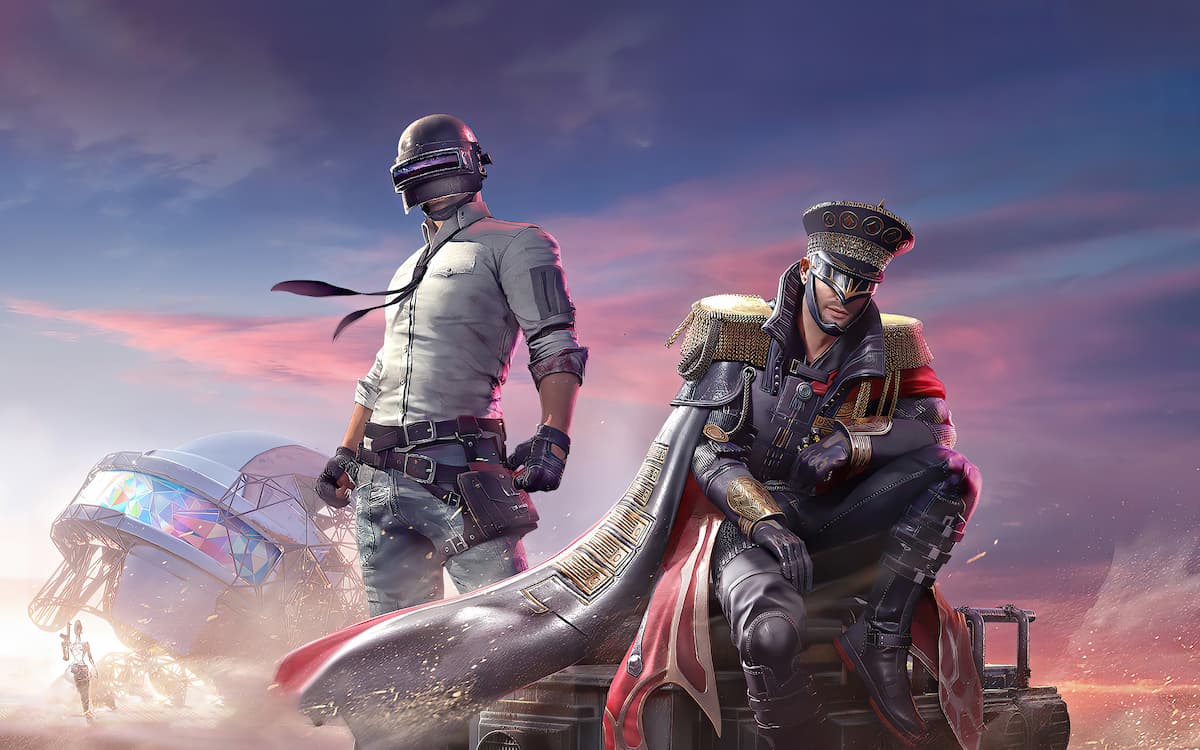

PUBG Mobile’s previous season proved to be a huge commercial success for its developers, and to continue this update cycle, Tencent has rolled out the C1S2 update globally.
As usual, the new Royale Pass is the highlight of the PUBG Mobile C1S2 update, which includes a bunch of rare rewards such as weapon skins, emotes. With that being said, the RP section of the game has also been unlocked, allowing players to grind the missions once again.
To experience the new content, one must download a minor in-game patch update in order to unlock the RP section of the PUBG Mobile. For those who haven’t installed the PUBG Mobile yet, here’s the PUBG Mobile C1S2 Update download link.
How to download PUBG Mobile Season C1S2 Royale Pass update

APK Download Link: https://bit.ly/3hVNijV
- Download PUBG Mobile’s latest version APK file from the above buttons.
- Open the File Manager and install the APK file of the game.
- If you haven’t enabled the installation of apps from unknown sources, do so by navigating to Settings > Safety and privacy > Install apps from Unknown Sources.
- Once the APK is installed, launch PUBG Mobile Global version and log in to your account.
- On the main screen, hit the Update button on the popup.
- Once the download completes, reboot the game and enjoy the latest Season C1S2 update.
Note: In the case of the “Problem parsing the package” error, try downloading the files again.
It’s also crucial to note that the PUBG Mobile Season C1S2 APK file size is around 60 MB, and the OBB file weighs about 1.55 GB. Thus make sure that your device has at least 4 GB of free storage space to accommodate it.
Related: PUBG Mobile redeem codes today: Check out the latest codes









Published: Aug 17, 2021 02:18 am