


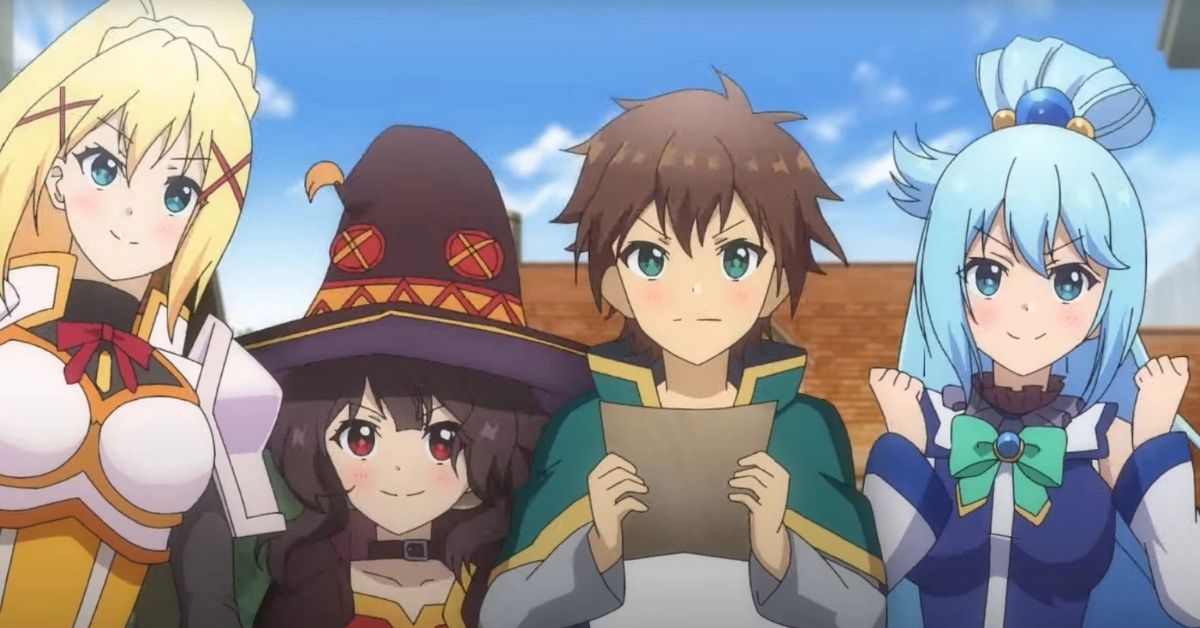

Fantasy, explosions, and laughers – this all is about Konosuba: Fantastic Days, one of the enormous Anime RPG games. Initially, it was released in Japan. Still, now you can play it without using a VPN because it was officially released worldwide in August 2021. Today Konosuba: Fantastic Days is a hit game.
Still, many players face glitches, bugs, and errors from time to time. So, the developers still have a lot to do as the game is so popular that the servers are overloaded. That is why you might have experienced hard times logging into the game. This is a server-side issue. It prevents players from playing the game. We will help you fix the bug called Error Code 80001. Let’s check the solutions!
Fixes for Konosuba: Fantastic Days Error 80001 – Login Timed Out
- Switch your internet connection
First, please check what type of Internet connection you are using and then switch to another one (e.g., if you are using Wi-Fi, switch to mobile data or vice versa). After that, please restart your device and make one more attempt to log into the game.
- Play the Japan version of the game
This error is widespread in the global version only. For the game to run flawlessly, we suggest you play a Japan version (a VPN service must be used in this case).
RELATED: Konosuba: Fantastic Days Tier List – The Best Characters in Konosuba: Fantastic Days
- Uninstall and reinstall the game
If the methods mentioned above didn’t work, you may try to uninstall Konosuba: Fantastic Days and then install it again.
To sum it up, if neither of these methods worked out, you would need to keep patience and wait until the developers increase the servers’ capacity. This is because the possible reason for the Error 80001 – Login Timed Out is a strain on the server. Thus, there are too many new players and not enough slots to assign them all. And one more tip: the servers may be down, leading to a login time-out error. So, don’t forget to check the server status! Good luck!









Published: Aug 24, 2021 03:37 pm