



Many fans of the Pokemon universe have been looking forward to Pokemon Legends: Arceus and finally it has been released. Players will now be able to explore the untouched region of Sinnoh to create the first Pokédex. To do this, you will have to catch a lot of different Pokémon, but if you can’t find a specific one, you can try to trade with other players.
How to Trade with People Online
Luckily, in Pokemon Legends: Arceus, players can trade Pokemon with each other. This feature was liked by Sword & Shield players, so it was expected that it would be carried over to the new release.
Trading Post is used to exchange with other players, but this is not available at the very beginning of the game. Players need to play through the main story and then complete several quests in Jubilife Village. Only then will the Trading Post become available for use.
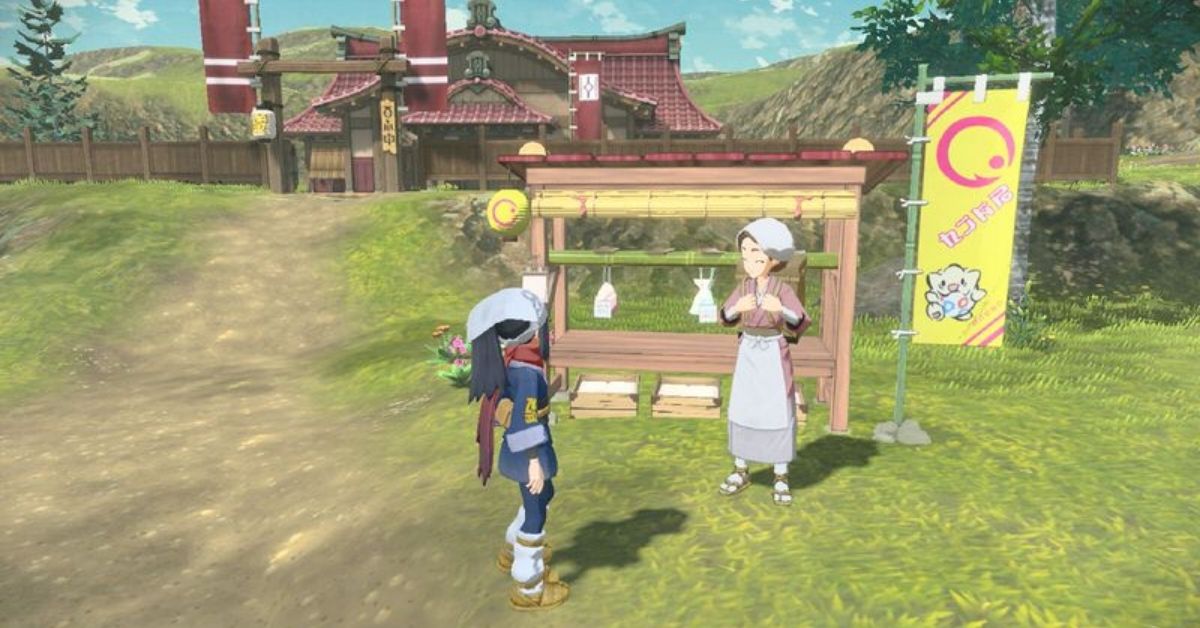
To trade, you must first get to the Trading Post. It will be located in the upper left corner of Jubilife Village. There, you will meet a girl named Simona with whom you need to talk. During the conversation, you need to select the option “I want to trade Pokemon.” You will be given two options:
- Someone far away
- Someone nearby
The first option allows you to trade with other trainers using the Internet. However, you can only use this method if you have a Nintendo Online Subscription. If you want to trade with a friend, then you must enter the same code, after which you can finally exchange Pokémon. If you want to trade with a stranger, we recommend that you enter a code consisting of one number.
The second option works without Nintendo Online Subscription, but you can only trade via local connection. You will also need to enter the code with your friends.









Published: Jan 29, 2022 06:57 am