


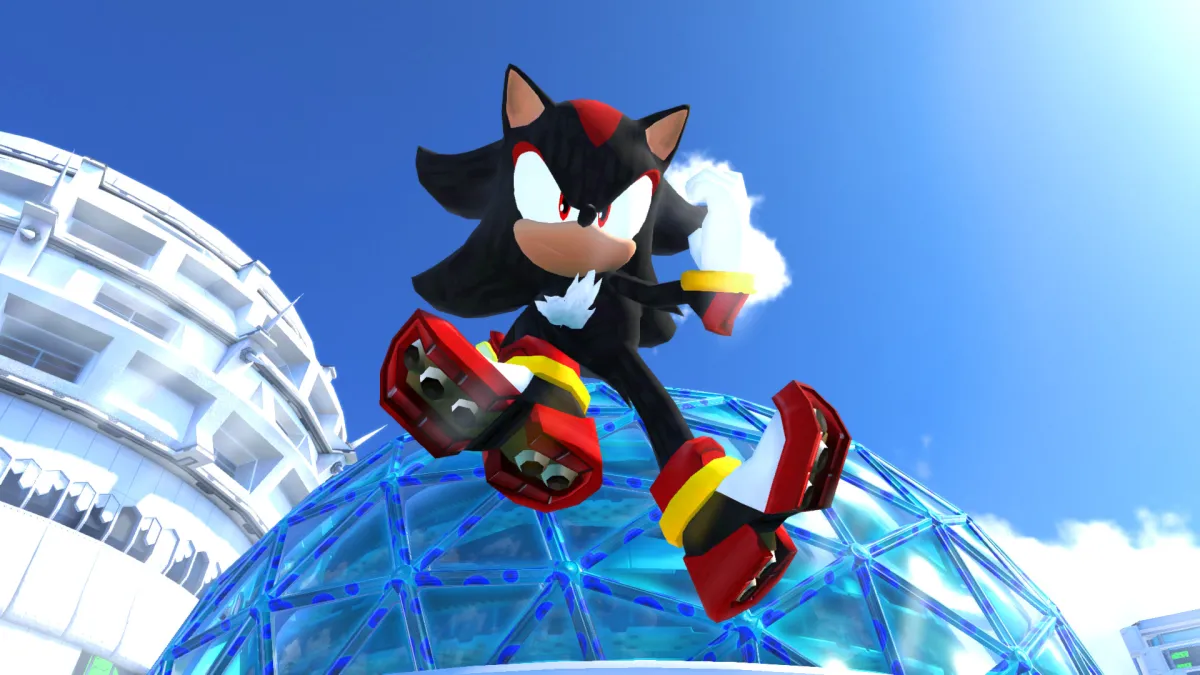

Sonic Forces: Speed Battle is an exciting platform racing game. Players will be able to choose different characters such as Sonic or Knuckles to compete against each other in speed. This game is multiplayer, and therefore many players would like to know whether it is possible to play with friends. And in this guide, we will tell you about this feature in detail.
How to Play Sonic Forces: Speed Battle With Friends
Since almost all Sonic games were focused on co-op, Sonic Forces: Speed Battle is no exception. The game has an auto-selection of players so that you always race with different players. However, you can also compete with your friends.
This feature is called Party Match. It allows you to create a room where you can invite up to three of your friends and then compete against them. As always, tickets will be consumed for the race, so you and your friends should stock up on them. Now we will tell you how to invite friends.
RELATED: Sonic Forces Guide: Tips & Cheats to Win All Races
On the main screen of the game, you need to press the Party Match button on the right. Next, click the Create button to open the room screen. At the top, you will see the unique code for this room. You need to share it with the friends you want to invite. You can either copy the code or click the share button.
Your friends must also click the Party Match button and then select the Join option. Then they must enter the code shared with them to join the room. After that, you can click the Play button to start racing with your friends.









Published: May 1, 2022 10:21 am