


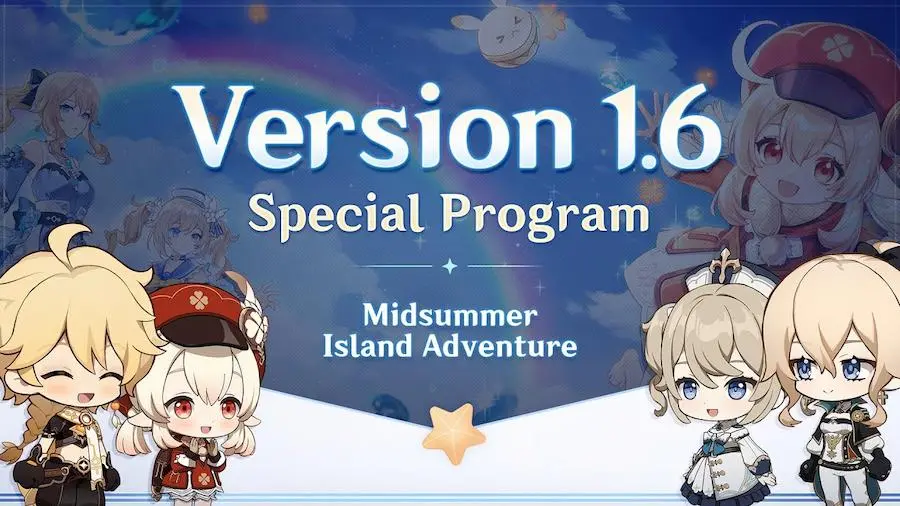

Genshin Impact’s 1.6 update entitled ‘Midsummer Island Adventure’ is live now globally. As per the official patch notes, the update brought only one new hero — 5-Star “Scarlet Leaves Pursue Wild Waves” Kazuha. In addition, various new equipment, events, quests have been added to the game.
The Genshin Impact 1.6 update is available to download from Google Play Store and Apple App Store for all the players; however, if you are experiencing issues while downloading it, you can use the APK download link listed below.
How to download Genshin Impact 1.6 update on Android?
- APK Download Link: Genshin Impact
Genshin Impact 1.6 update APK file size is around 149 MB, while the OBB file weighs around 8.1 GB. Therefore, the update requires about 10 GB of free storage on your device. Follow the steps below on how to download and install the latest version of Genshin Impact.
- Download the Genshin Impact 1.6 APK and OBB files from the links mentioned above on your device.
- Then, locate these files and install the APK file.
- If you haven’t enabled the installation of apps from unknown sources, then do it by navigating to Settings > Safety, and privacy > Install apps from Unknown Sources.
- After installing the APK file, move the OBB file to Android > OBB > com.miHoYo.GenshinImpact
- Now open the game and download the data file of the game.
- Launch and enjoy the latest update.
Note: In the case of the “Problem parsing the package” error, try downloading the update again and reinstall the files.
Related: Genshin Impact 1.6 Midsummer Island Adventure Preview Page is now Live









Published: Jun 9, 2021 03:57 am