




Diablo Immortal is one of the newest mobile games. However, this video game is very demanding. You need a powerful device to run it smoothly. Also, you need to opt for the best settings to achieve the best performance. So, how to set up your game? Read the guide, and you will find out.
Best Settings for Diablo Immortal Mobile
The biggest problem while playing Diablo Immortal on mobile phones is the battery. Honestly, without the powerful device, you will be able to play this game for approximately 2 hours. So, you have to keep your device on battery save mode. Also, do not use the Mobile Data, this might kill your device.
So, when it is completely clear how to set up the mobile phone, let’s continue with in-game settings. The fact is that despite the mobile phone you have, you should aim at performance and battery saving. It is necessary.
Related: Diablo Immortal All Traders List and Location
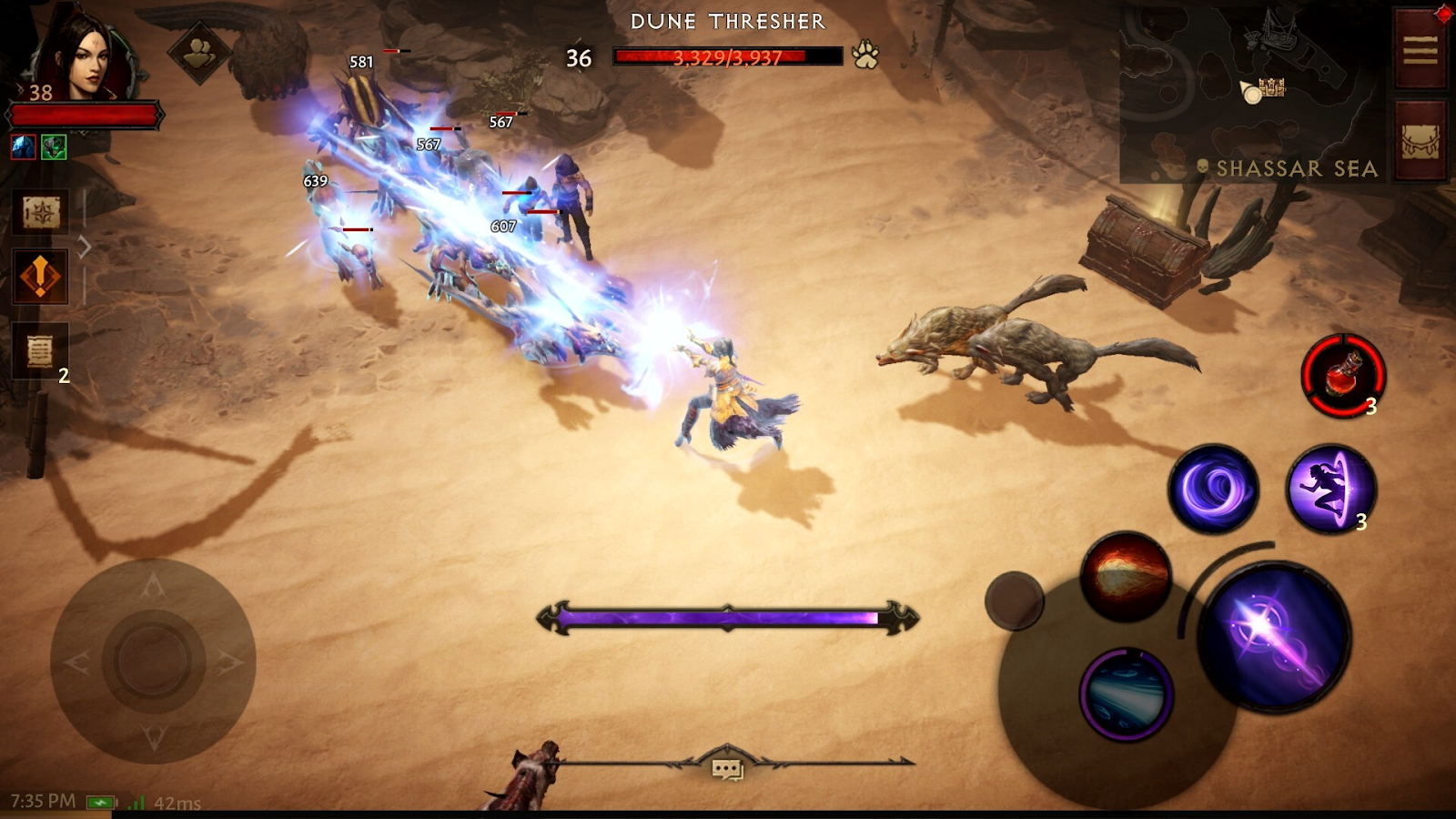
Graphic Settings in Diablo Immortal
When it comes to the Graphic, using a “Low” setting is not the best decision. It will make the game look disgusting. You should use it only in the case when your smartphone can not launch the game at higher settings. However, if your device is strong all you need is to increase battery durability, set those settings:
- Frame Rate: 30
- Resolution: High
- Image Sharpening: Off
- Graphics Quality: High
- Anti-Aliasing: Low
- Bloom Effect: Off
- Vegetation Burning Effects: Off
- Reduce PvP Effects: On
General Setting in Diablo Immortal
All you need in the general setting is to enable auto-picking items. This function will save you a lot of time. Also, turn on the primary attack aim, which is an extremely useful function.
So, that is all with settings in Diablo Immortal. Hope you find this guide helpful!









Published: Jun 6, 2022 04:41 am