


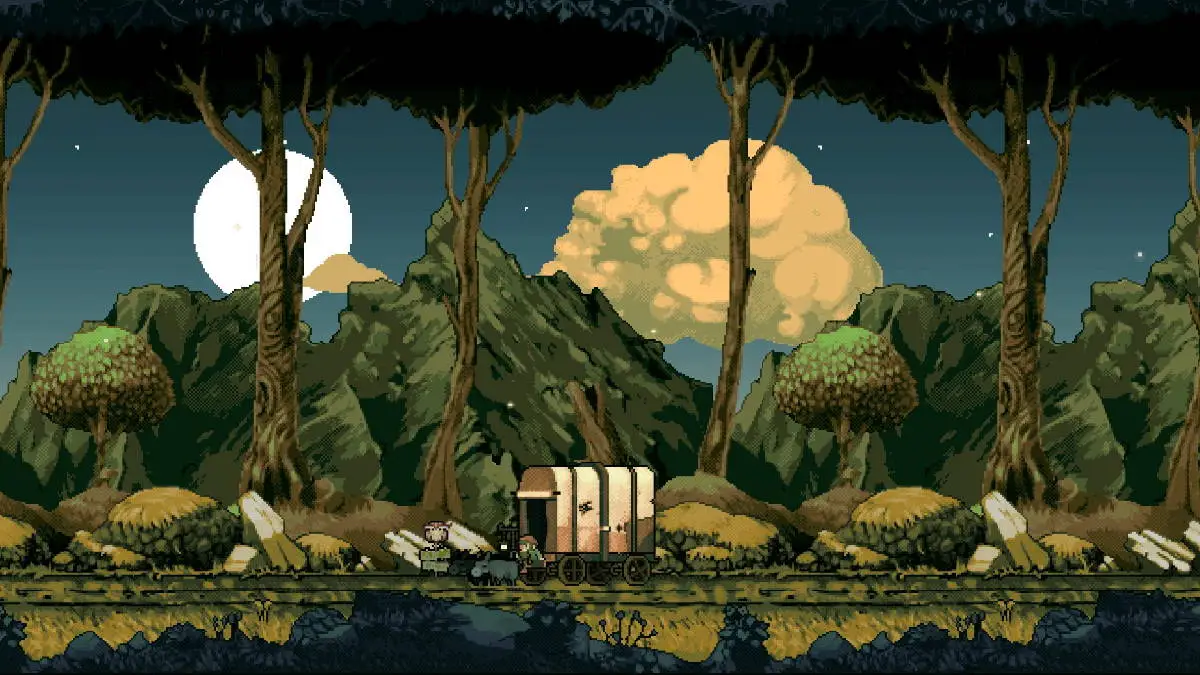

The tough-as-nails dungeon crawler Vagante features some extra options for intrepid players. In early access versions of the game, there used to be a console tool that was meant for developer use, but players could use it for fun as well. Today, we’ll show you how to use console commands in Vagante.
How to Use Console Commands
Vagante has been in the works for quite some time now, as the project was born roughly around 2014. The game underwent heavy design changes, until it released into early access on Steam around 2016. The game stayed in early access for about two more years, until version 1.0 finally released in 2018.
During the early access period, there was a developer console command hidden in the game. You could use it to access some variables of the game’s coding, and even do all sorts of wacky stuff like spawn in items, monsters, and more.
Related | Vagante Spells and Wands Guide
Unfortunately, it seems that in the full release of the game, the developer console has been removed. On the bright side however, the Steam version of Vagante features a new built-in map editor where players can create their own dungeons, and it seems some functionality of the console moved into the map editor. You can access the map editor when you’re on the character select screen by pressing F9.
Vagante is available now on PC, Nintendo Switch, Xbox One/Series X, and Playstation 4/5.









Published: Jan 31, 2022 06:58 pm