


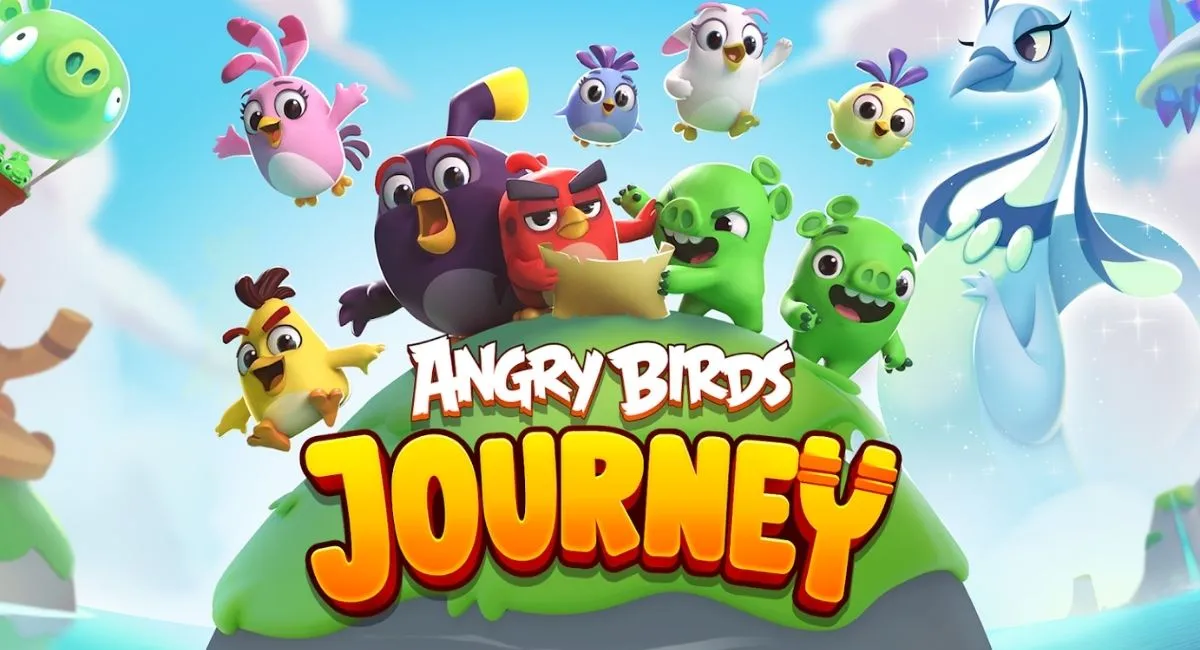

Angry Birds Journey is the latest iteration of the famous Angry Birds franchise, where players fling birds with the slingshot and topple towers to solve puzzles and rescue adorable Hatchlings, all while following a fun and romantic storyline.
Related | All Characters in Disney Twisted Wonderland Listed: Full Character List
The game brings back some of the most iconic characters from the Angry Birds series, like Chuck, Bomb, Stella, Red, and others. To feel the nostalgia of slingshotting birds to save the Hatchlings from the Pigs, many people want to play Angry Birds Journey.
We even have a group of Angry Birds Journey enthusiasts who want to try out the game on the PC platform, but don’t know how to actually do that. Seeing that, we prepared a handy guide that shares steps on how you can download and play Angry Birds Journey on PC.
How to Play Angry Birds Journey on PC
You can play Angry Birds Journey on a PC using emulators like Memu, BlueStacks, and others.
Related | Angry Birds Journey: APK Download Link
The process is simple: download an emulator which allows you to play mobile games on PC. Once that is done, log in or create an account and download a mobile game (in our case, it’s Angry Birds Journey).
Downloading Angry Birds Journey on PC via BlueStacks or MemuPlay
Follow the below steps to download Angry Birds Journey on PC:
Step 1.) Download BlueStacks on your PC (or Memu emulator).
Step 2.) Sign in with your Google Play account.
Step 3.) Search for Angry Birds Journey in the field located in the top right corner of the BlueStacks emulator.
Step 4.) You will be prompted to the Angry Birds Journey game page. Click on install.
How to Play Angry Birds Journey on PC
Assuming you have gone through the above steps and managed to download Angry Birds Journey on your PC via BlueStacks, Memu, or any other emulator:
- Open the emulator and play Angry Birds Journey from the list of installed games.
- You can also use the newly created desktop shortcut to play Angry Birds Journey.
Angry Birds Journey is currently available on Android and iOS platforms.









Published: Jan 21, 2022 05:40 am