


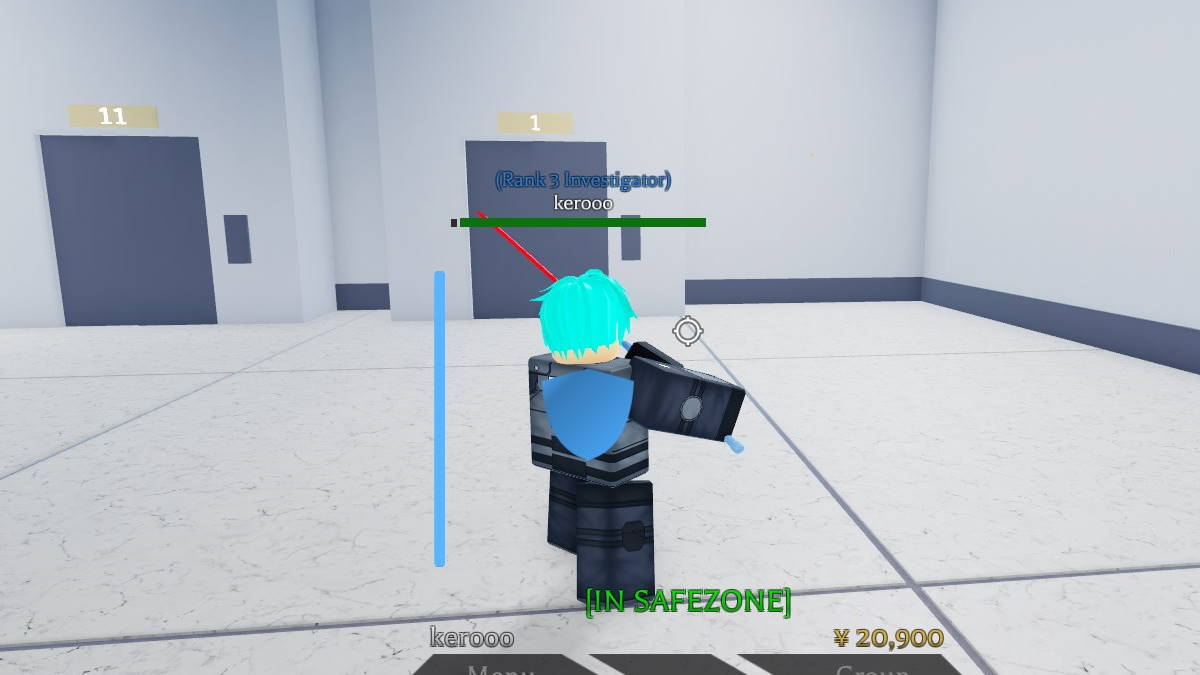

The fans of Roblox Project Ghoul inquire about changing the clothes and hair in the game. It will bring some diversity and unique style to your outfit and make playing the game even more exciting!
For the first, it will be necessary to reach level 10 and pass a quick quiz. After that, you will need to kill some citizens.
Now you are super close to getting the new clothes and hair! Are you interested in checking the further steps? Please keep reading to be in the loop, as we have created a detailed guide covering the following steps!
Changing Clothes and Hair in Roblox Project Ghoul
So, you have already reached level 10 and passed the quiz. You may want to choose either to become golden/CCG. The next step is to go to the hair salon. It will cost you two hundred and fifty yen. You will need to pay and click yes, choose the hairstyle and color.
RELATED: How to Create a Group in Roblox Project Ghoul
We recommend going out of the salon and heading to the building with the pink light that says Clothing Store to change the clothing. The price for changing clothes is two hundred and fifty yen. Your task is to click Yes and then start choosing the outfit you like the most. Once done, please hit the button Finish.
So, now you know how to change clothes and hair in Roblox Project Ghoul. Keep reading our guides and enjoy playing!









Published: Apr 27, 2022 02:15 pm