


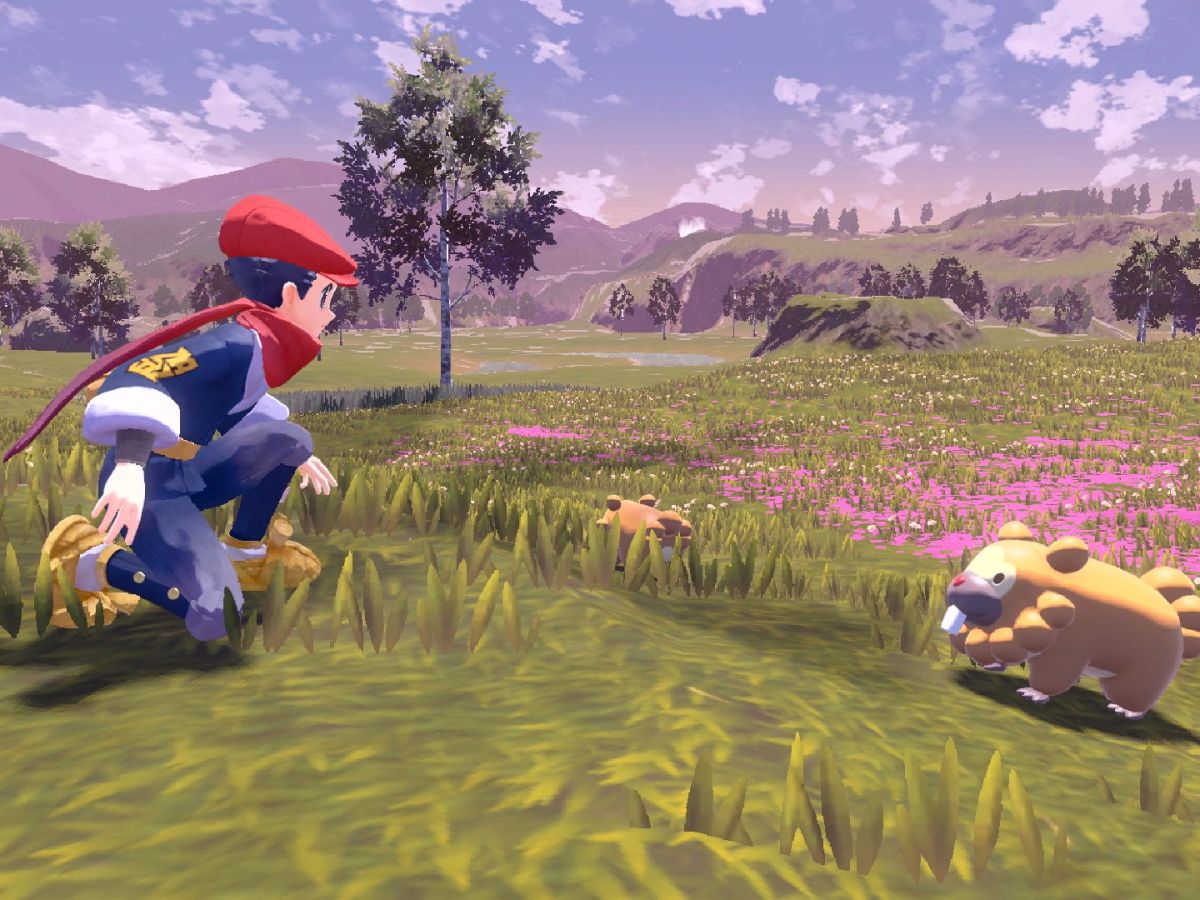

Pokemon Legends: Arceus was released on January 28, 2022, after a long-anticipated wait. Fans jumped on it straight away, enjoying its new-to-Pokemon open world setting with fun new features and gameplay. The action RPG developed by Gamefreak is proving to be a great success, but as with any new game, there are bound to be some small issues to be worked through. One of these issues is an increase in loading times for some players. Find out how to try to work around these long loading times with some tips below.
How to Shorten Loading Times in Pokemon Legends: Arceus
Some players have noticed that while previously waiting times have only been around 1 minute, suddenly they are heading towards the 5 minute mark. A few others have even noticed a wait time of 10 minutes, although this is rare. This issue was first noticed when players progressed through the game, only to suddenly notice that loading between areas started to take longer than before. What was a 1-minute wait became 3 minutes, then 5, up to even 10 minutes, just to load in and turn in a request.
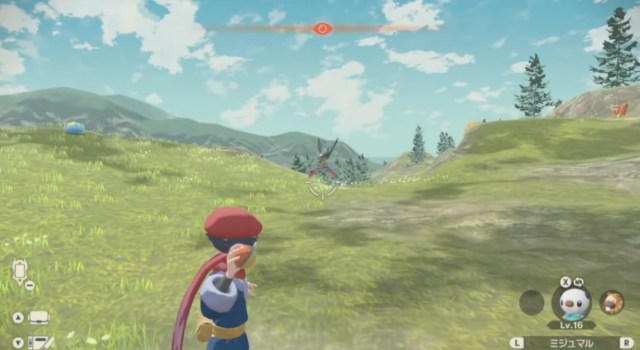
So how do we shorten these massive wait times between scenes?
Players have tried a few things to fix the problem, including restarting the game, but some are saying it may be that the game is in need of an update soon. Others have suggested that to play smoothly, the Nintendo Switch needs to be connected to the internet.

If your game is running slow, follow the steps below:
- Restart your Nintendo Switch console
- Make sure you are connected to the internet
- Go to Settings and find the internet connection settings
- Turn off Auto-Connect
This should fix the issue for the moment. In the meantime, players await an update to patch any ongoing issues with playing without internet connection.









Published: Feb 2, 2022 07:47 am